

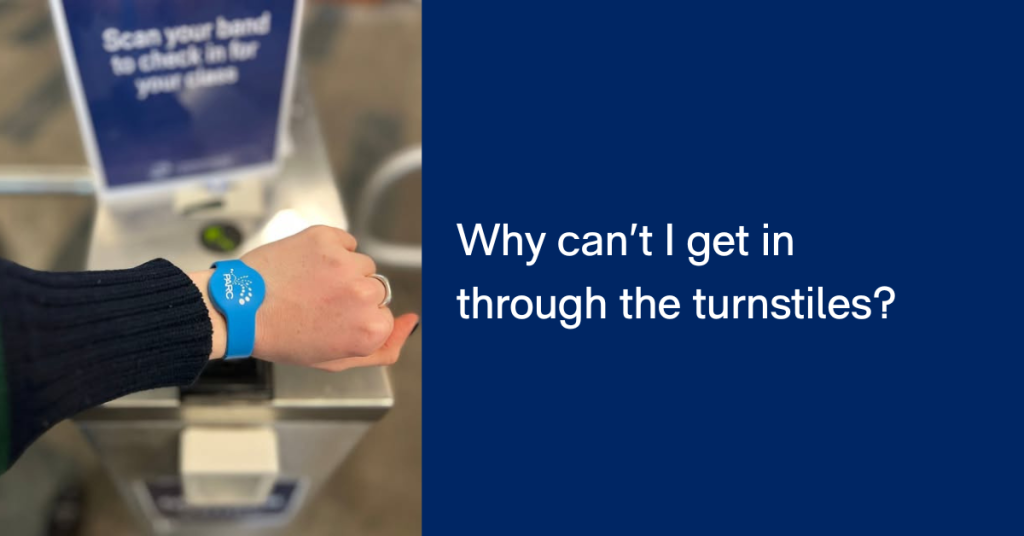
We know it can be frustrating to arrive ready for a workout and find your wristband or card doesn’t let you through the turnstiles. If this has happened to you, it may be because Prevent Access has been temporarily activated on your account.
What is Prevent Access?
Prevent Access is a process we use to alert our members that there is an issue on their account. It is a setting which temporarily restricts access through our entry gates, and also restricts booking privileges on our customer portal and app.
If a payment becomes overdue, access through the turnstiles is temporarily restricted. The ability to book classes or activities on the customer portal or Xplor app will also be temporarily paused until the outstanding amount is paid.
Importantly, you can still log in to the member portal and app at any time to view and pay your invoices.
How does the process work?
All membership invoices must be paid by the due date. If an invoice becomes overdue, membership privileges will be temporarily paused until the overdue account is paid.
Once Prevent Access is active:
- Entry through the turnstiles is temporarily restricted. If you are in centre and access is denied, you will need to speak to our Customer Service team in person to pay your outstanding account.
- Class and program bookings are temporarily restricted. You will need to either pay off your outstanding invoice via the customer portal, or see our team at Reception to pay your account. You can also call us and pay your account over the phone.
- You can still log in to the customer portal and app to view your information. Payments can be made through the Customer Portal only.
If you come into the centre while Prevent Access is active, our team at Reception will be happy to help you resolve it quickly.
What do I need to do?
To restore access, simply pay the outstanding invoice. This can be done immediately through your member portal, or with the team at Reception in Centre.
Once payment is made:
- Your access will be restored automatically
- You’ll be able to enter the facility and book classes again straight away
Frequently Asked Questions
When does this come into effect?
The Prevent Access is active at turnstiles from Tuesday 27 January.
Why didn’t my band work at the turnstiles?
You may have an overdue invoice, which has temporarily triggered Prevent Access.
Can I still log in to my account?
Yes. You can log in to the Customer Portal as normal to view and pay your invoices.
How do I pay my outstanding invoice?
Log in to your Xplor Customer Portal and follow these steps to make payment:
- Go to My Info
- Go to the Invoices button above your name
- Select the overdue invoice
- Click Make Payment
You can also speak with our Reception team for assistance.
If I pay my invoice, will I be able to get in straight away?
Yes. Once payment is completed, Prevent Access is automatically switched off and your access is restored immediately, along with your online booking rights.
Do I need to contact the Centre after paying?
In most cases, no. Access should update automatically. If you experience any issues, our team is always happy to help.
We’re here to help
Prevent Access is designed to be a simple, transparent process, ensuring fair access and requiring all members keep their payments up to date. If you have any questions or need support, please speak with our friendly Reception team or contact us via the member portal.
Thank you for your understanding and continued support – we look forward to welcoming you back through the gates soon.